

Overview
Shoppable videos let you connect products directly to your video content, allowing shoppers to discover featured products and add them to their cart without leaving the video experience.
By making your videos interactive, you can create a more engaging shopping journey and help shoppers move naturally from watching → discovering → shopping.
Turn your videos into interactive shopping experiences with ReelPik Shoppable Videos.
Carousel Widget
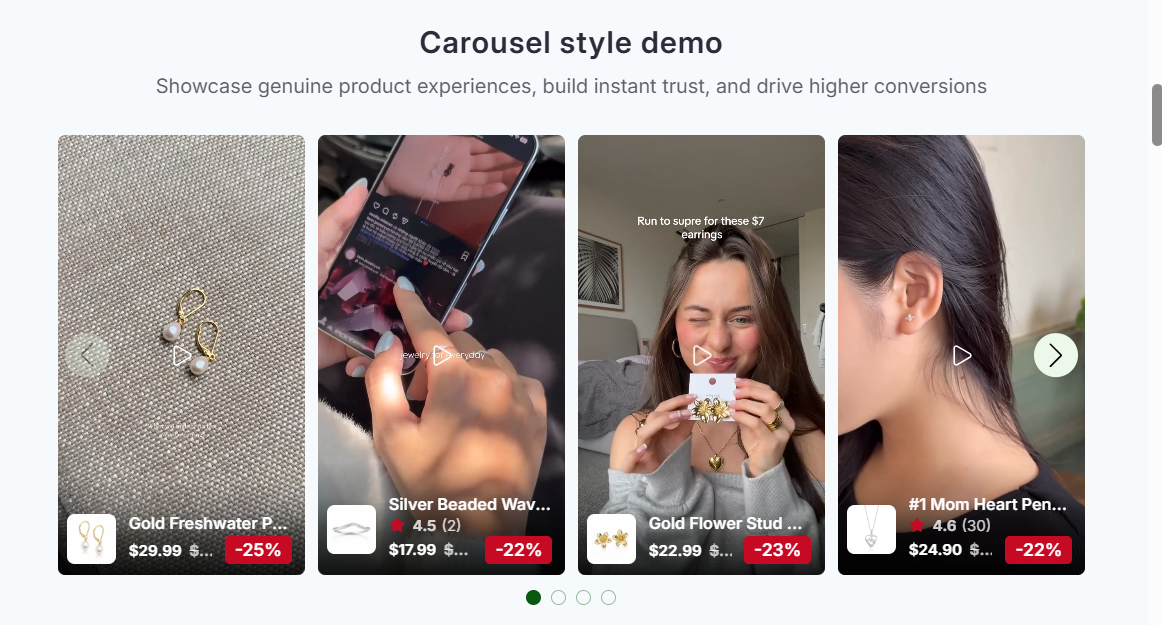
The Carousel Widget displays your shoppable videos in a horizontal video carousel on selected pages of your store.
You can add the Carousel Widget to:
-
Homepage
-
Product pages
-
Collection pages
Tip: Use the Carousel Widget when you want to showcase multiple shoppable videos while keeping them integrated into your store's existing layout.
Highlight Widget
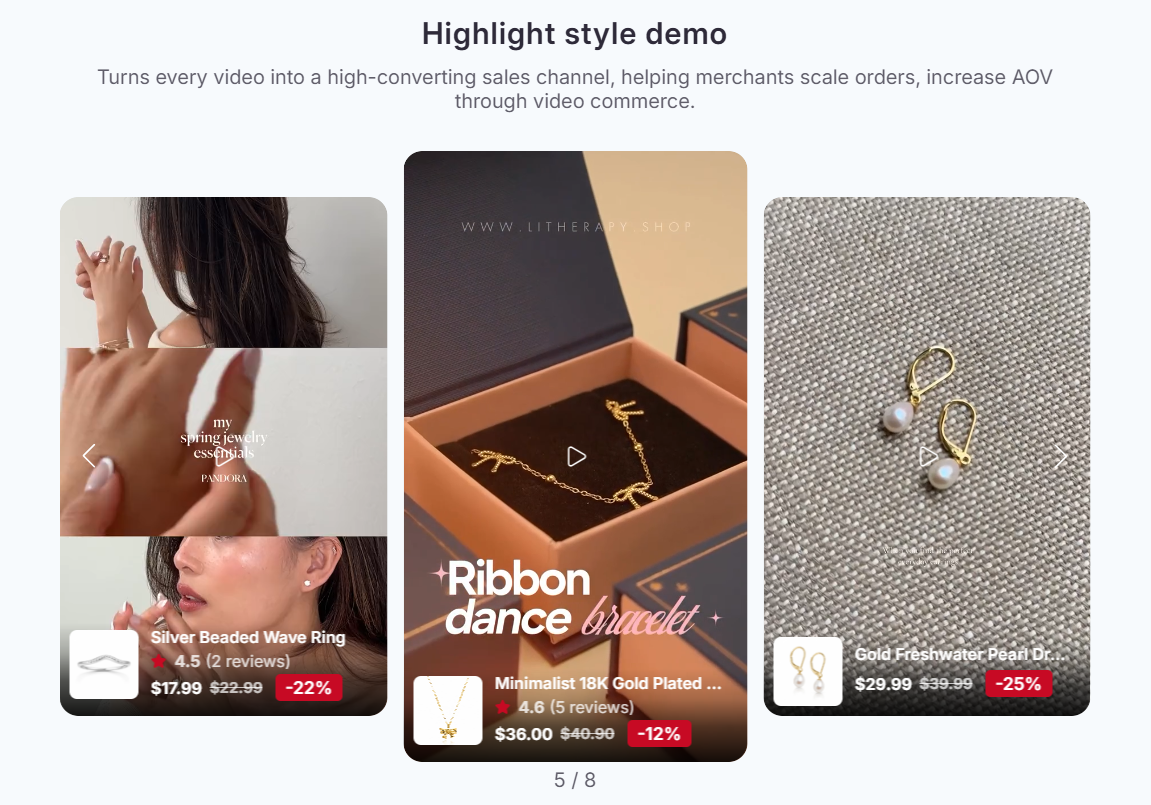
The Highlight widget displays your videos in a compact, visually engaging format that allows shoppers to quickly discover your video content.
You can use Highlights to showcase selected videos, campaigns, or product-related content in a prominent area of your storefront.
Tip: Use Highlights to draw shoppers' attention to your most important or engaging video content.
Grid Widget
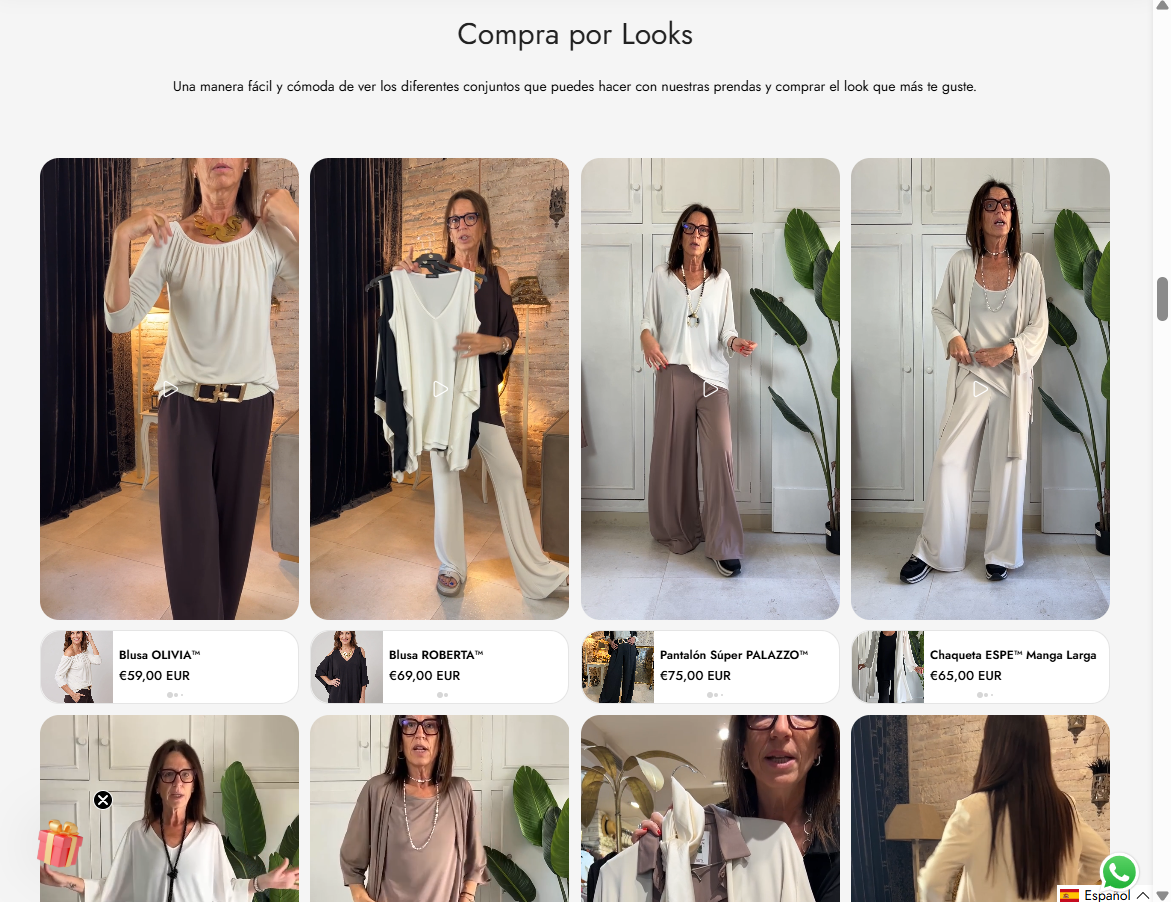
The Grid widget displays multiple shoppable videos in a grid layout on your storefront.
This layout allows shoppers to browse several videos at once and choose the content they are most interested in.
Tip: Use the Grid layout when you want to showcase a larger collection of videos in a structured and easy-to-browse format.
Floating Reel
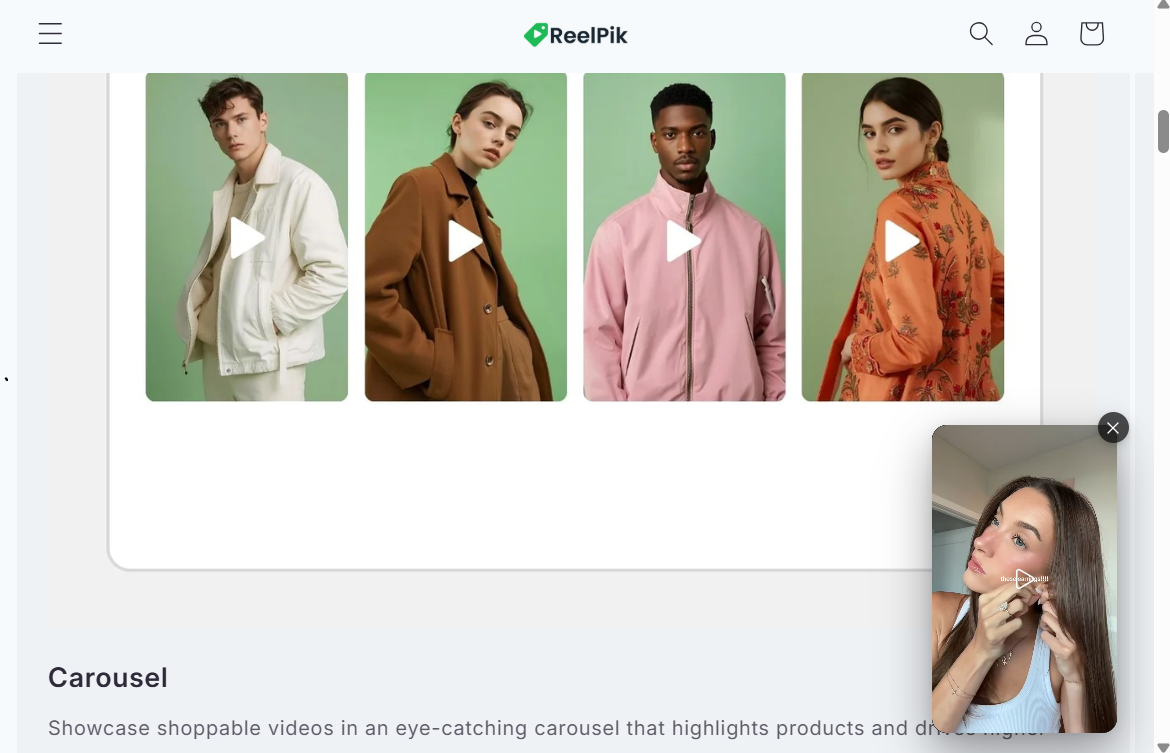
The Floating Reel displays your shoppable videos in a floating video player in the corner of your storefront.
It can appear across all pages of your store, allowing shoppers to access your videos while browsing different parts of your website.
Tip: The Floating Reel is a great option if you want your video content to remain accessible across your store without taking up additional space in your page layout.
Story Widget
The Story widget displays your videos in a story-style format, allowing shoppers to tap through videos in an immersive, mobile-friendly experience.
It is especially useful for showcasing short-form content such as product demonstrations, UGC, tutorials, or behind-the-scenes videos.
Tip: Use Stories to create an engaging, social-media-style browsing experience and encourage shoppers to explore multiple videos.

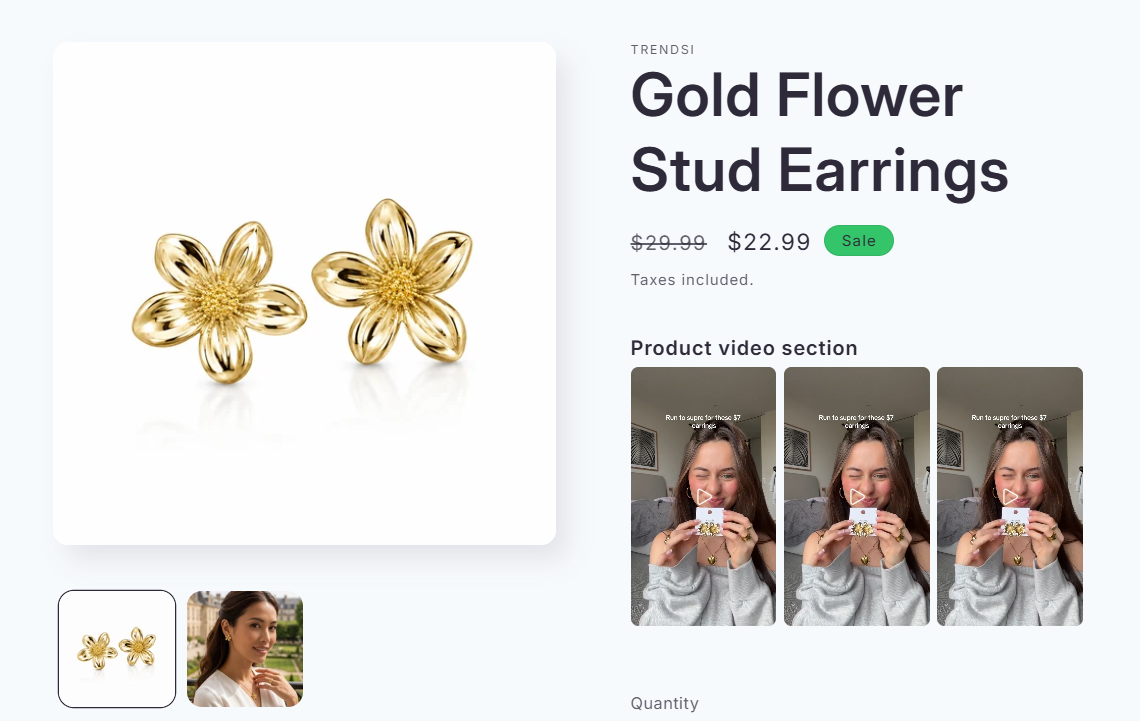
Product Video
The Product Video widget displays videos directly on your product pages, above the Add to cart button.
It automatically showcases the videos connected to the current product.
Example: If you have 5 videos connected to Product A, shoppers visiting Product A's product page will see all 5 videos in the Product Video section.
Tip: Make sure your videos are connected to the correct products so shoppers can see relevant content when viewing each product.
We value your feedback — it helps us continuously improve our apps and provide you with a better experience.
🖥️ Demo store: Check out here with password: 1
👉 Chat with us: Share your feedback directly with our team.
👉 Email us: hi@reelpik.com
👉 Explore more apps: Discover more Fordeer apps.
👉 Join our community: Join ForDeer Community to get the latest updates, tips, and special deals.
🕐 Working hours: 8:30 AM – 5:00 PM (UTC+7), Monday–Friday.
We typically reply to live chats within minutes and emails within a few hours.
Need help? Feel free to reach out anytime via live chat or email!